Zero Coding Required Stop waiting for custom development. Turn your organizational plans into automated digital workflows. Empower your team to build enterprise-grade systems using logic, not lines of code.
Target Audience: Planning Officers, Business Owners, IT/MIS Heads, Process Managers, and Department Leads involved in digital transformation (Applicable to both Private Sector and Government).
Duration: 1-Day Hands-On Lab.
Break the misconception that you need to be a programmer to design a system. Process mapping and system building are leadership skills.
Provide attendees with a secure Likha ERP sandbox environment to literally build a working prototype of an operational process during the workshop.
Equip leaders with a 6-step project management framework to safely scale their digital initiatives across their entire organization.
Leave attendees with a working digital prototype of their own process, culminating in the offer for a free "Step 1: Discovery Site Visit" to finish mapping the rest of their operations.
Focus: Identifying a bottleneck and mapping the logic before touching any software.
The Myth of the "IT Requirement": If you understand how a piece of paper moves from desk to desk in your office, you have all the skills required to build your digital system today.
The "Paper to Pixel" Fallacy: Why digitizing a bad process just gives you a faster bad process. The strategic importance of optimizing the workflow on paper first.
Interactive Activity (The Napkin Map): Attendees select one simple, frustrating process from their organization (e.g., a Purchase Request, a Leave Form, or an Inventory Requisition). They sketch the 3-step lifecycle of this transaction on a provided worksheet.
Focus: Attendees open their laptops, log into a provided Likha ERP sandbox, and translate their "Napkin Map" into a live, working system using the 4 Building Blocks.
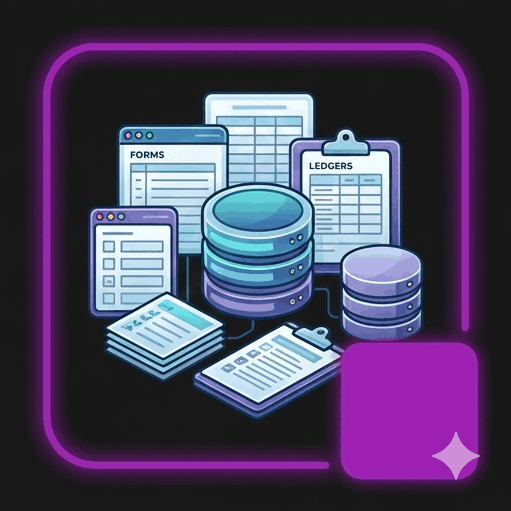
Block 1: Forms, Records & Custom Fields (Data Standardization)
The Action: Attendees use the drag-and-drop builder to create their digital form (e.g., adding text fields for "Item Name," dropdowns for "Department," and number fields for "Quantity").
The Realization: They see how easy it is to mandate exactly what data their staff must submit.
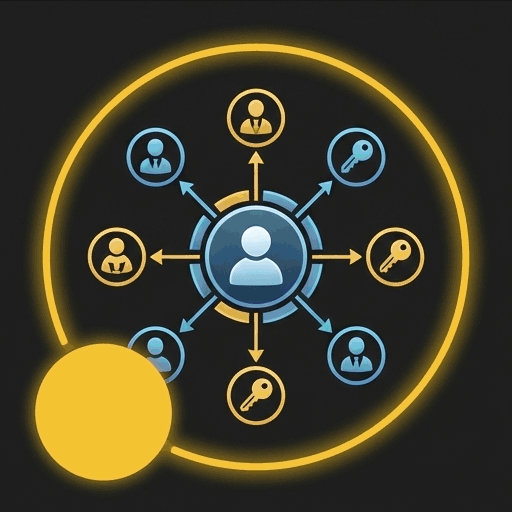
Block 2: Roles & Permissions (Governance & Security)
The Action: Attendees create two roles: "Requestor" and "Approver." They set the permissions so the Requestor can only submit, and the Approver can edit and approve.
The Realization: They physically build the digital chain-of-approval and understand how data is kept secure.
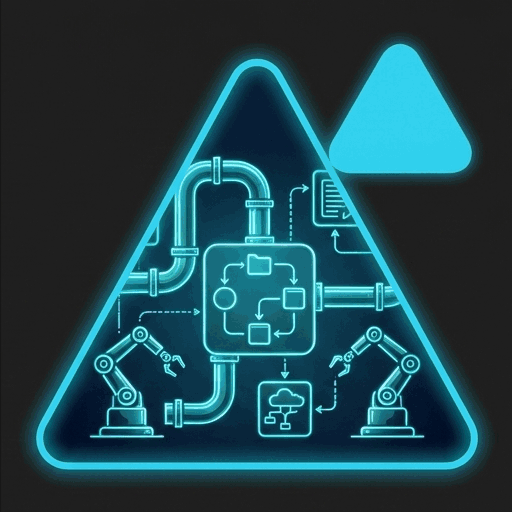
Block 3: Automation Flows (The Efficiency Engine)
The Action: Attendees set up a simple rule: If Status changes to 'Approved', then automatically deduct the 'Quantity' from Inventory OR send a notification email.
The Realization: The magic moment. They realize they just eliminated a manual administrative task without writing a single line of code.
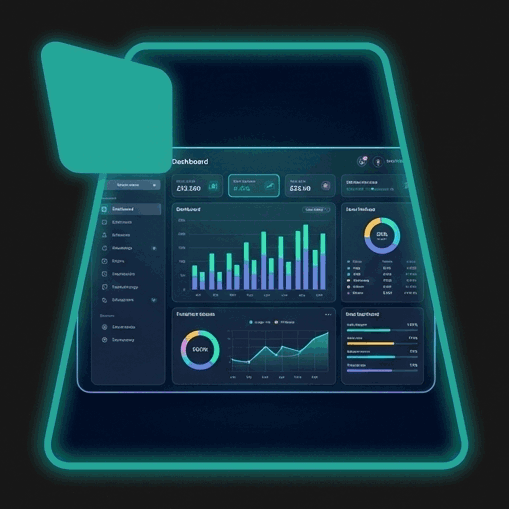
Block 4: Dashboard Panels (The Leadership Dashboard)
The Action: Attendees generate a real-time pie chart showing "Pending vs. Approved Requests."
The Realization: They see how data naturally flows into an executive overview, eliminating the need to wait for weekly manual reports.
Focus: Now that they know how easy it is to build one process, how do they scale this across an entire enterprise or agency?
Introduce the 6-Step Path to Successful System Implementation to maintain control over large-scale rollouts:
Step 1: Discovery (The Ground-Truth Audit): Mapping the actual, on-the-ground workflow.
Step 2: Blueprint (The Architecture Review): Planning the Forms, Roles, and Automations.
Step 3: Proposal (Resource Allocation): Securing transparent pricing based on exact blocks needed.
Step 4: Construction (The Build Phase): Expanding what they just did in the sandbox to the entire operation.
Step 5: Test and Train (The Validation): Ensuring frontline staff can actually use the system.
Step 6: Turnover & Support (Operational Readiness): Transitioning to a permanent, owned system.
The foundational block built for fast, accurate, and structured capture of your daily business data.
The security block granting precise access control for all employees without any extra per-user fees.
The analytical block providing real-time operational visibility to drive smarter, data-led decisions.
The action block that automates your unique operational workflows to eliminate manual, routine tasks.
Zero Coding Required Stop waiting for custom development. Turn your organizational plans into automated digital workflows. Empower your team to build enterprise-grade systems using logic, not lines of code.
Target Audience: Planning Officers, IT/MIS Heads, Process Managers, and Department Leads involved in digital transformation (Applicable to both Private Sector and Government).
Duration: 1-Day Hands-On Lab.
Discover why more Philippine SMEs are choosing hybrid ERP solutions — cloud-ready systems with offline capabilities. Learn how this trend saves costs, boosts reliability, and fits the unique challenges of doing business in the Philippines.
Learn what features matter most when choosing an ERP system in the Philippines — hybrid cloud reliability, automation, centralized data, and modern workflows for SMEs, enterprises, and government offices.
Compare cloud ERP and on-premise ERP options in the Philippines. Learn the pros, cons, costs, and why hybrid ERP is becoming the most practical choice for Philippine SMEs, enterprises, and government agencies.
A complete guide for Philippine SMEs on choosing an affordable ERP system. Learn cost factors, must-have modules, hidden fees, and how to pick the best ERP without overspending.
Learn the essential ERP integrations needed by Philippine SMEs, enterprises, cooperatives, and government agencies to streamline operations, automate workflows, and ensure compliance.
LikhaERP is validated for security through independent Vulnerability Assessment and Penetration Testing (VAPT). Tested under OWASP standards, our platform ensures robust application-level resilience and secure operations.